
Pictory is built around one specific job: turning existing text — blog posts, scripts, webinar recordings — into short, shareable videos using stock footage. It’s genuinely good at that one thing, but it’s easy to expect more from it than it’s designed to deliver. Here’s an honest look at what it costs and where it fits.
What Pictory Actually Is
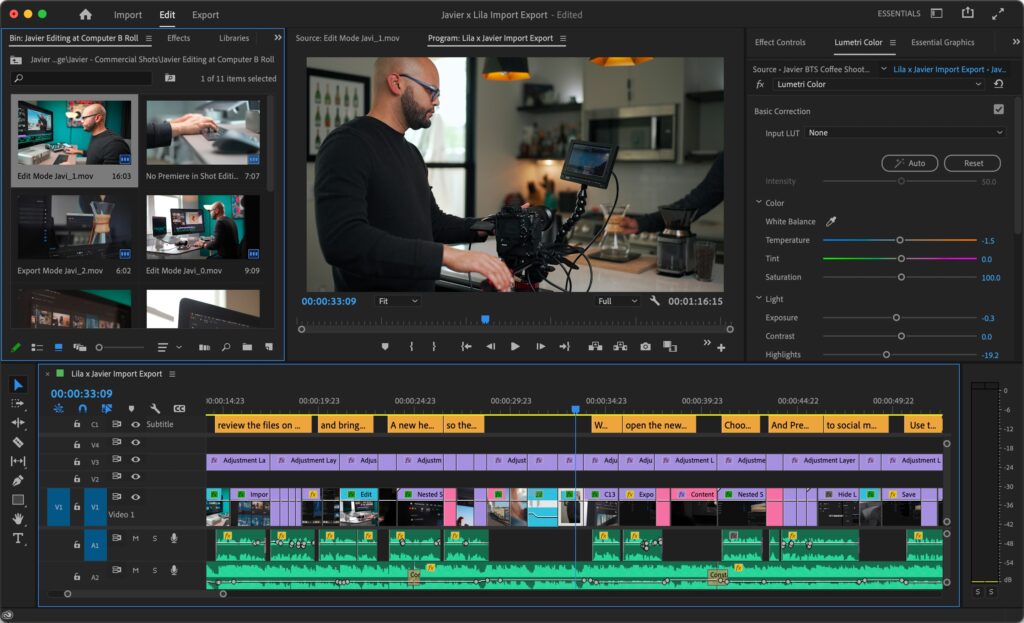
Pictory converts scripts, blog posts, and long-form content into videos automatically, pulling from a library of over 3 million stock video clips and 15,000 music tracks, and adding AI voiceovers and auto-generated subtitles. It’s aimed squarely at repurposing existing written or recorded content into video, not generating original AI video scenes from scratch.
What It Actually Costs in 2026
| Plan | Monthly | Annual (per month) | Best for |
| Starter | $25/mo | ~$19/mo | Solo creators, light output |
| Professional | $49/mo | ~$35/mo | Regular content creators |
| Teams | $119/mo | ~$99/mo | Agencies, collaborative workflows |
The free trial is time-limited and exports come with watermarks, so it’s useful only for testing the workflow, not for any real output.
One detail worth flagging before you commit to Starter: the entry tier caps videos at a set length (commonly cited around 10 minutes per video) and a capped number of monthly exports, which is fine for short-form social clips but tight if you’re repurposing longer webinars or podcasts regularly. Premium add-ons — like Getty Images stock or ElevenLabs AI voiceovers — also cost extra specifically on the Starter tier, since Professional and Teams already bundle more generous stock and voice allowances.
What’s Genuinely Good Here
- Speed for repurposing: turning a blog post or script into a publishable video takes minutes, not hours
- Stock library quality: access to Shutterstock and Getty-sourced footage gives commercially safe, professional-looking clips most cheaper competitors can’t match
- Automatic subtitles: genuinely useful and accurate out of the box, saving a manual step most creators dread
Where It Falls Short
- Pictory is stock-only — it does not generate original AI video scenes or custom visuals, which some competitors now offer
- The Starter tier’s video length and export caps can feel restrictive fast if you produce long-form content regularly
- Storage limits exist (5GB/20GB/100GB by tier) but Pictory doesn’t clearly document what happens if you exceed them
- What happens to your videos after cancellation isn’t clearly documented either — worth asking support directly if that matters to your workflow
Pictory vs. Runway ML: Different Jobs
These two tools aren’t really direct competitors, even though they’re often compared. Pictory is the better fit if you’re repurposing existing written or recorded content — blog-to-video, podcast highlights, webinar clips. Runway is built for generating original video content and creative visual effects from text prompts or existing footage, aimed more at creative professionals than content repurposing. If your primary need is turning articles into social videos, Pictory’s workflow is more direct; if you need to generate new visual content that doesn’t already exist, Runway is the stronger tool.
Who Should Use Which Plan
Starter ($19-25/mo) fits solo creators making short, occasional social clips from existing content.
Professional ($35-49/mo) is the realistic choice for anyone publishing video content regularly, thanks to more generous voice and stock allowances.
Teams ($99-119/mo) only makes sense once you have multiple people actually collaborating on video production.
Bottom Line
Pictory does one job well: turning existing content into shareable video quickly, using solid stock footage and reliable subtitles. It’s not the tool for generating original AI video scenes — for that, look at something like Runway instead. If content repurposing is genuinely your use case, Professional at around $35-49/month is where most regular creators land comfortably.
Transparency note: this analysis is based on Pictory’s official pricing page and independently verified user reports as of mid-2026, not the author’s direct hands-on subscription to every tier.
_________________________________________________________________________________________________________
Last updated: July 2026. Pricing and plan limits are subject to change; always verify on Pictory’s official pricing page before subscribing.