
Zapier is the name most people reach for first when they think “app automation,” but the pricing page can be genuinely confusing if you don’t understand what a “task” is. I dug into the current pricing model — which recently changed to a unified, usage-based system — to figure out what you’re actually paying for.
What Zapier Actually Is
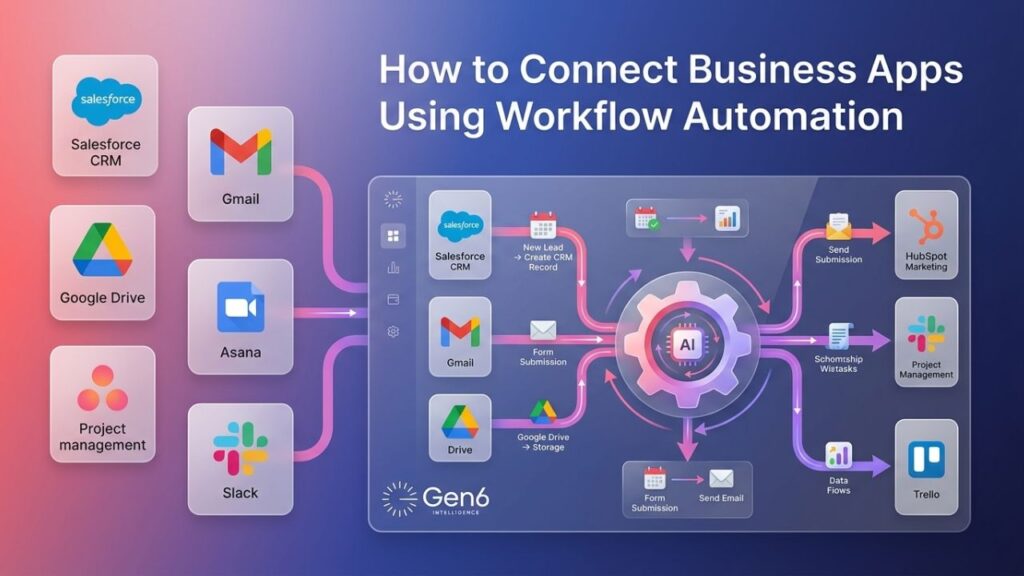
Zapier connects over 9,000 apps so they can trigger actions in each other without any code — “when this happens in App A, do that in App B.” As of 2026, Zapier has expanded well beyond simple two-app automations: it now includes Tables (databases), Forms, Canvas (AI-assisted workflow planning), and Zapier MCP, which lets AI assistants take actions across your connected apps directly.
What It Actually Costs in 2026
Zapier recently unified its pricing so that Zap workflows, AI steps, code, MCP calls, and SDK usage all draw from the same shared task pool, rather than being billed separately.
| Plan | Starting price | Tasks/mo | Best for |
| Free | $0 | 100 | Testing simple, two-step automations |
| Professional | From $19.99/mo (annual) | 750+ (scales up) | Multi-step workflows, small businesses |
| Team | From $69/mo (annual) | Scales with tier | Teams needing shared workspaces, 25 users |
| Enterprise | Custom | Custom | Large organitzations, unlimited users |
Here’s the detail that trips up a lot of new users: a “task” isn’t the same as a “Zap.” Every successful action counts separately — a workflow that pulls a form submission, adds a row to a spreadsheet, and sends a Slack message uses three tasks per run, not one. Triggers themselves are free; only completed actions count.
Also worth knowing: Professional plans include a 14-day free trial automatically when you sign up, no credit card required — a detail that’s easy to miss since it’s not advertised prominently on the main pricing page.
What’s Genuinely Good Here
- App coverage is unmatched: 9,000+ integrations is the largest library of any automation platform, which matters most if you rely on less-common or niche business tools
- Tasks scale down in cost as you grow: the per-task price drops the higher tier you commit to, so heavy users aren’t penalized the way flat per-seat pricing would
- Zapier MCP: lets AI tools like Claude or ChatGPT take real actions across your connected apps, a genuinely new capability most competitors don’t match yet
Where It Falls Short
- The Free plan is limited to two-step Zaps only — genuinely useful only for testing, not real workflows
- Multi-step workflows burn through tasks fast; a single automation with five actions uses five tasks per run, so task limits get tight quicker than the sticker price suggests
- Multiple independent pricing guides note that Zapier costs significantly more per task than competitors like Make or n8n at higher volumes
- The pricing page’s slider-based model, while flexible, makes it harder to get a quick fixed number compared to simpler flat-tier competitors
Zapier vs. Cheaper Alternatives
If your priority is raw app coverage and you don’t want to think about automation infrastructure, Zapier’s breadth is hard to match. If you’re running high task volumes and cost efficiency matters more, independent comparisons consistently show Make and n8n costing meaningfully less per task at scale — worth comparing directly if your workflows are complex or high-frequency.
Who Should Use Which Plan
Free works only for testing whether Zapier fits your stack — not for production use.
Professional (from $19.99/mo) is the realistic starting point for solo operators and small businesses running real multi-step automations.
Team (from $69/mo) makes sense once you need shared workspaces and multiple people building automations together.
Bottom Line
Zapier remains the most connected automation platform available, and its recent move to unify Zap, AI, and code usage under one task pool makes pricing more predictable than it used to be — but “tasks” add up faster than the headline price suggests once your workflows have more than one or two steps. For simple, occasional automations, Free covers real testing; for anything running daily, budget around Professional’s $19.99+ starting point and watch your task usage closely.
Transparency note: this analysis is based on Zapier’s official pricing page and independently verified user reports as of July 2026, not the author’s direct hands-on subscription to every tier.
_________________________________________________________________________________________________________
Last updated: July 2026. Pricing and task allowances are subject to change; always verify on Zapier’s official pricing page before subscribing.