Canva is probably the most recommended design tool for non-designers, and for good reason — the free plan alone covers a surprising amount of ground. I looked into exactly where that free tier runs out and whether the paid plans are worth it, based on official pricing and verified user feedback.
What Canva Actually Is
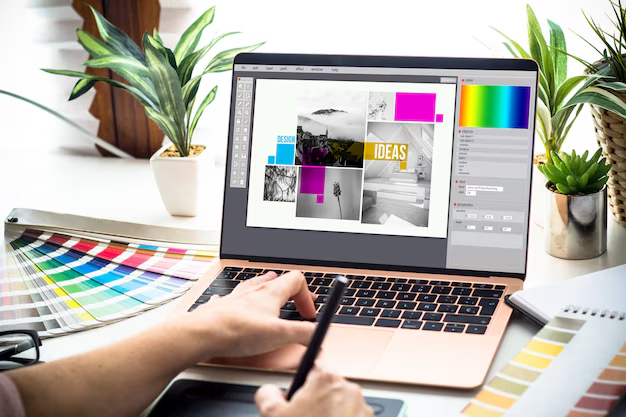
Canva is a browser-based design platform built around drag-and-drop templates, rather than a blank-canvas tool like Photoshop. Its AI layer — bundled under “Magic Studio” — adds text-to-image generation, background removal, and one-click photo editing directly inside the same editor, so you’re not jumping between apps.
What It Actually Costs in 2026
| Plan | Price | AI credits/month | Best for |
| Free | $0 | 50 | Students, hobbyists, occasional design |
| Pro | $18/mo ($12/mo billed annually) | 500 | Freelancers, solo creators, regular design work |
| Bussiness (formerly Teams) | $25/user/mo | Higher pool, scales with plan | Marketing teams needing brand control |
| Enterprise | Custom (150+ seats) | Custom | Large organizations |
Here’s a detail that trips a lot of people up: Canva’s AI features aren’t unlimited even on paid plans — they’re metered by credits. Free gives you 50 AI credits a month, Pro bumps that to 500. Heavy use of Magic Media (AI image generation) or generative fill can burn through that pool faster than expected, and once you’re out, you either wait for the next cycle or buy more.
Also worth knowing: video generation through Canva’s newer AI models is billed separately on top of your subscription — it’s not included in the flat monthly price.
What’s Genuinely Good Here
- The free plan is unusually generous: access to a massive template and asset library, 5GB storage, and basic AI tools at no cost — genuinely useful, not a stripped-down trial
- Everything in one place: design, basic photo editing, and AI generation live in the same interface, so there’s no exporting and re-uploading between tools
- Beginner-friendly: no design background needed — templates do most of the heavy lifting
Where It Falls Short
- AI credits run out faster than expected if you lean on Magic Media or generative editing regularly
- Independent reviews on platforms like G2 and TrustRadius note that some premium templates, icons, and fonts still require a subscription even after upgrading — advanced customization can still feel gated
- Image generation quality is serviceable for social posts but noticeably behind dedicated tools like Midjourney for anything that needs to stand on its own
- Business/Teams pricing scales per seat with no volume discount at the entry tier, so costs climb quickly for growing teams
Who Should Use Which Plan
Free covers most casual and occasional design needs — genuinely, not just as a taste of what you’re missing.
Pro ($18/mo) makes sense once you’re designing weekly and want the larger AI credit pool, background remover, and brand kit.
Business ($25/user/mo) is for teams that need shared brand assets and approval workflows — it adds up fast per seat, so worth calculating total cost before committing.
Bottom Line
Canva’s free plan is one of the most usable in the design tool category, which is exactly why so many people never feel pressure to upgrade. Pro is a reasonable step up if you design regularly and want more AI headroom, but the credit-metered AI system is worth understanding before you commit — the $18 price tag is a floor, not a guarantee of unlimited generation.
Transparency note: this analysis is based on Canva’s pricing structure as reported across multiple independently verified sources in July 2026, not the author’s direct hands-on use of every paid tier.
_________________________________________________________________________________________________________
Last updated: July 2026. Pricing and AI credit allowances are subject to change; always verify on Canva’s official pricing page before subscribing.